Aesthetic Look Ai Photo Editing Prompt – If you are active on social media, you likely come across new photo or video editing styles every day; people are using AI to create and share content based on the latest trends, and these edits are gaining immense popularity. Today, I am sharing another viral photo editing style that produces incredibly realistic-looking images. Creating these photos is actually quite simple—once you know the right process and have the necessary materials, you can easily recreate this trending look. In this article, I will teach you how to create these unique images. If you read carefully, you will find the step-by-step process, image generation techniques, and the specific prompts needed to create these photos with ease.
Details Of Aesthetic Look Ai Photo Editing Prompt
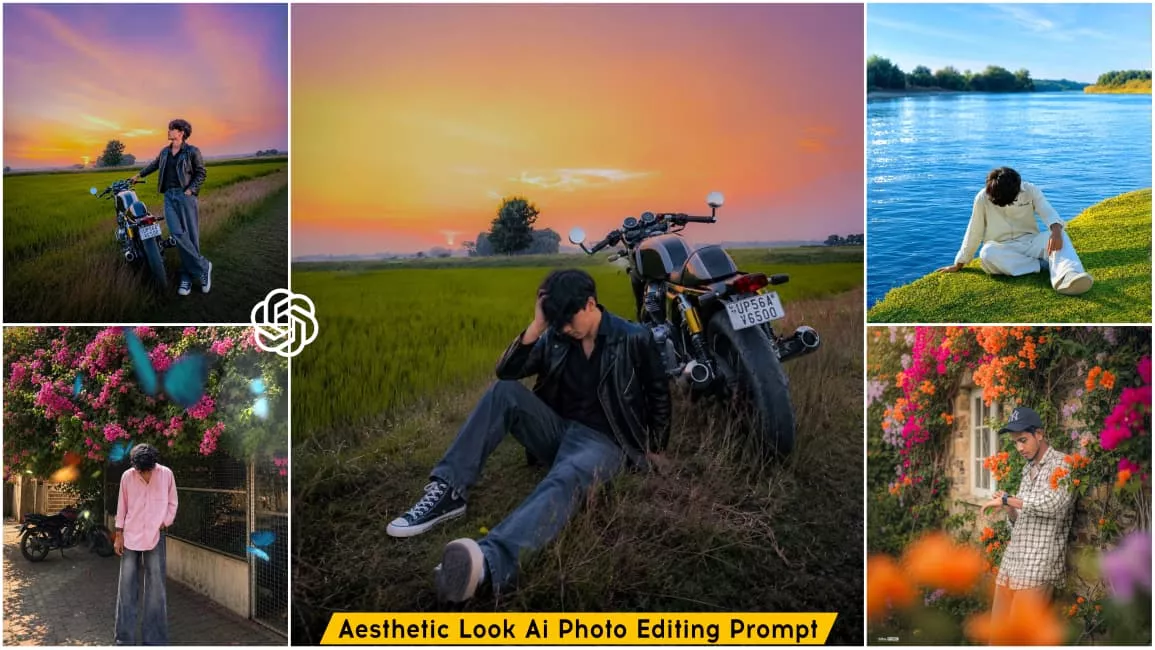
Friends, this photo editing focuses on achieving an aesthetic look; it creatively incorporates details to create a cinematic and stylish vibe. You can transform an ordinary photo into one featuring an aesthetic background. This article provides various prompts and corresponding backgrounds, along with examples of the resulting images. You might appear in a green field with a bike, against a floral backdrop, or sitting by a river—there are many such looks you can create. I will explain in the following paragraphs how to use the prompts and sample images provided here to generate your own photos.
What You Need To Do This Editing?
Friends, to create this photo edit, you first need a full-body photo with an aesthetic look—one where you are standing or striking an aesthetic pose. You will also need a background; the specific backgrounds required for this type of image are provided in this article, so simply download the one you like best. We will then combine these two elements using an AI tool to generate the final image. You can easily create a realistic AI image using tools like ChatGPT or Google Gemini; I will explain the step-by-step process in the next paragraph.
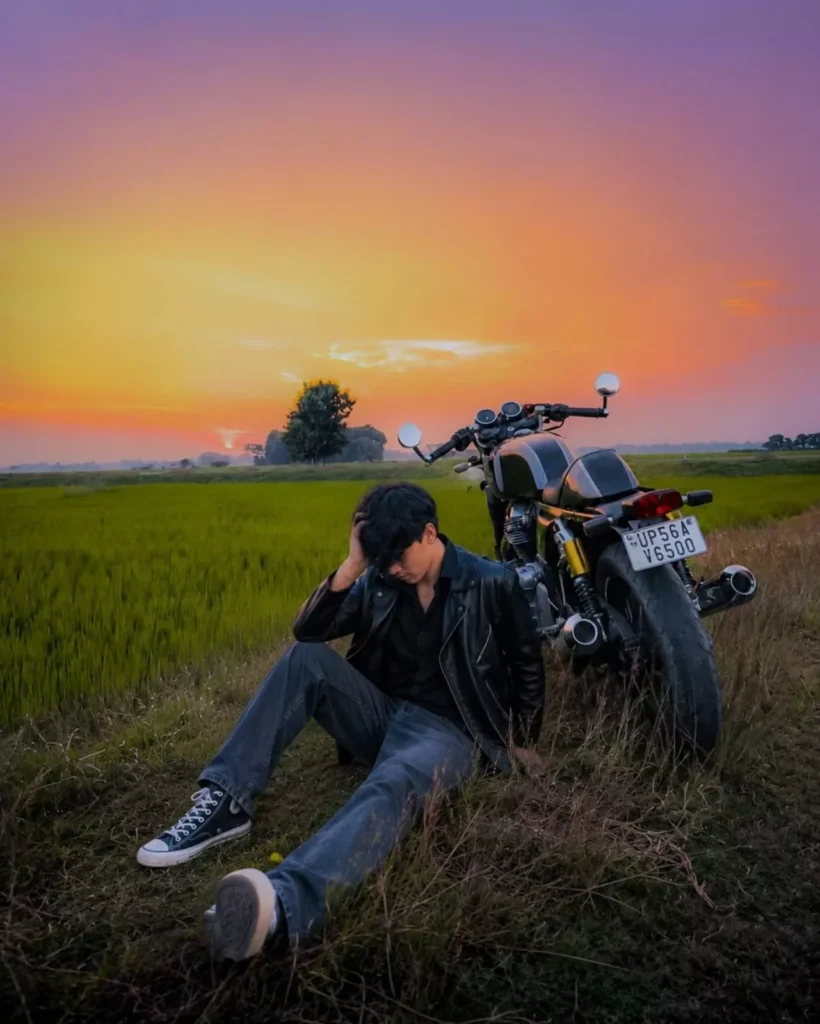
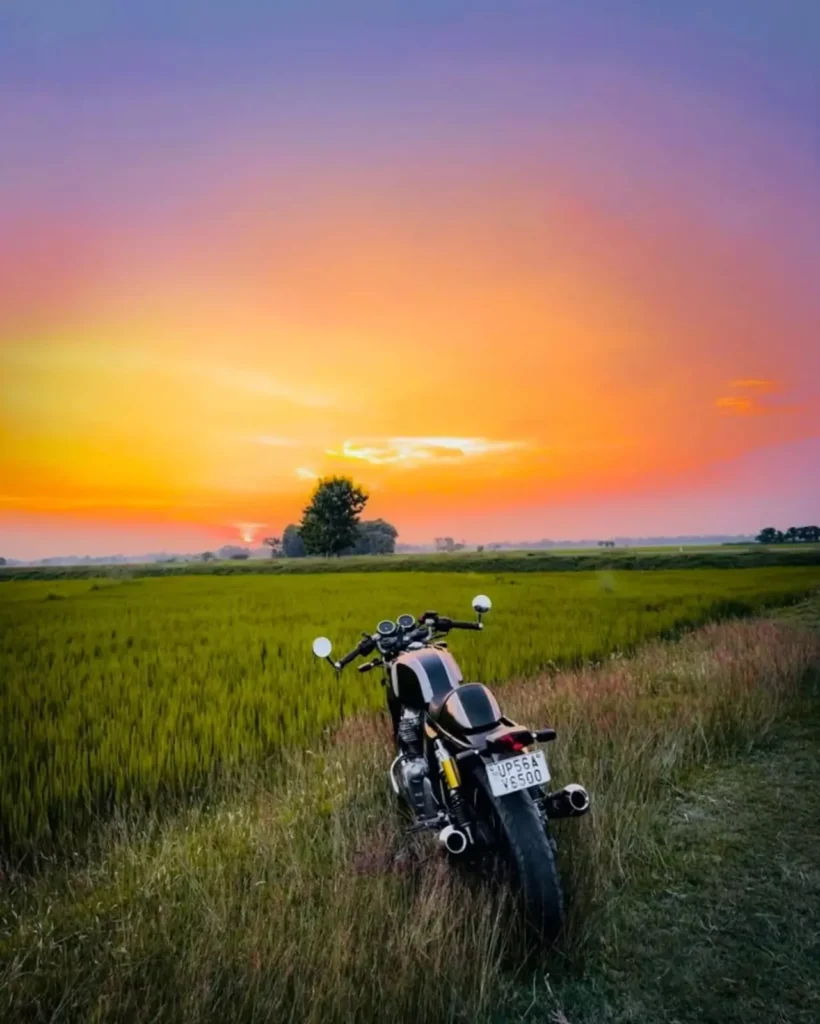
Same face Same outfit 101% don't change: ultrawide. Upper-angle low-angle shot Young man. Don't change the background of this bike at all; keep the same background. Add this boy according to the bike.
Have this boy sit-down next to these bikes in an aesthetic, stylish pose-the pose needs to look realistic. Make this boy's hand pose a bit more stylish and attractive. The pose should look realistic. Position this boy next to the bike in a stylish pose so that he looks attractive and realistic. Increase quality. Instagrammable 4:5 ratio.
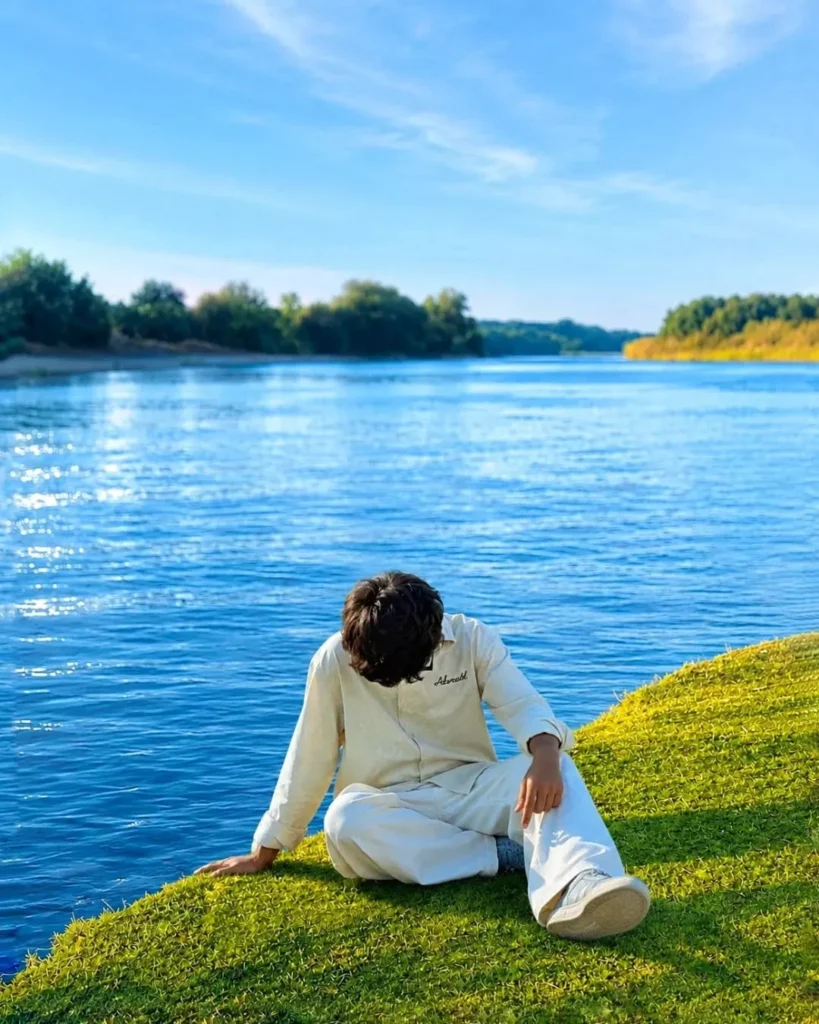
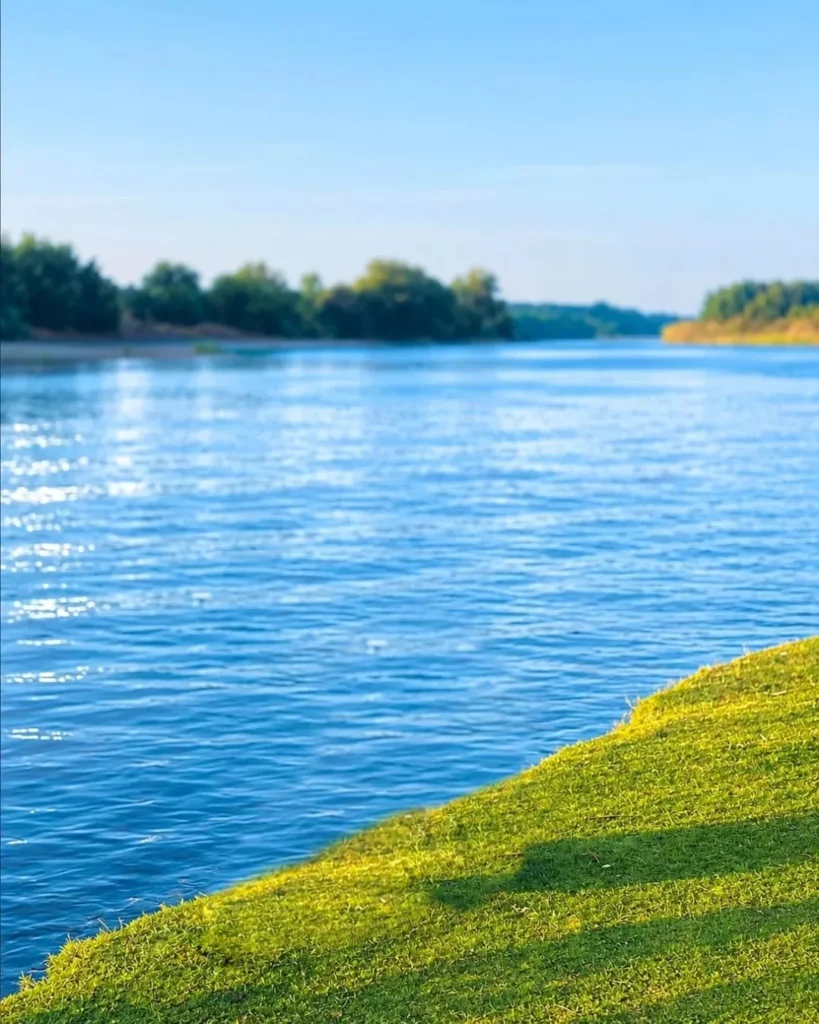
A high-resolution, vibrant photograph of a wide,
peaceful blue river flowing under a clear light blue sky. In the foreground, a lush green grassy riverbank cuts diagonally across the bottom right corner with soft shadows cast upon it. The deep blue water has gentle, glittering ripples catching the warm sunlight. In the background, dense green trees and foliage line the far sides of the riverbank, creating a serene and idyllic natural landscape.
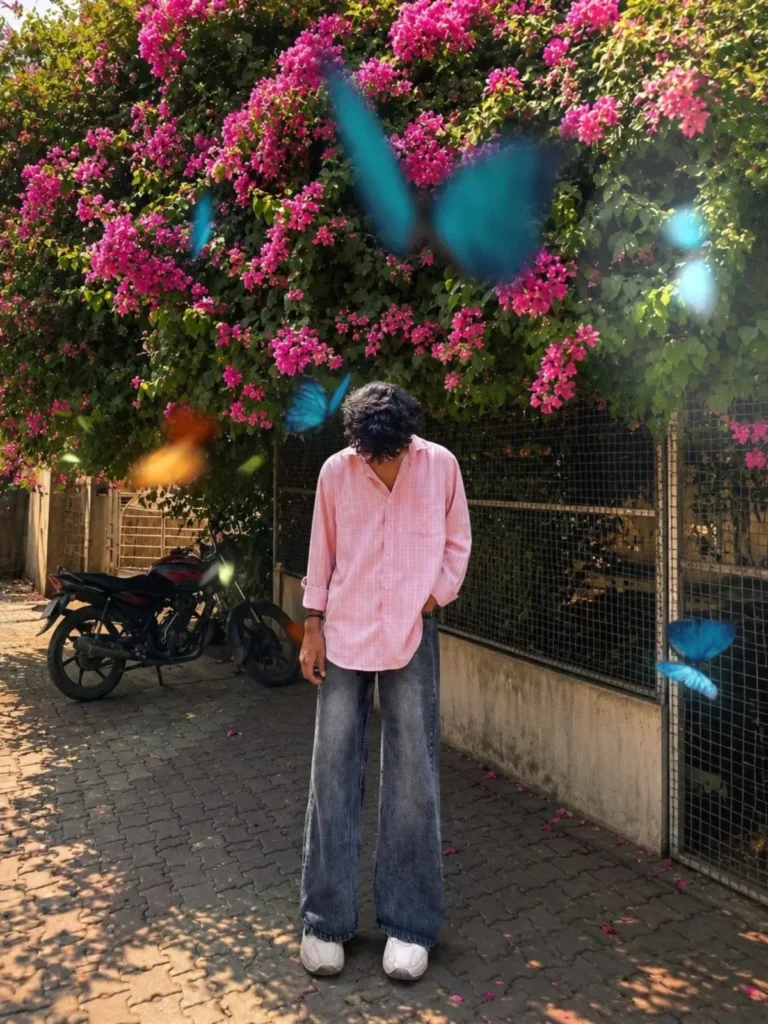
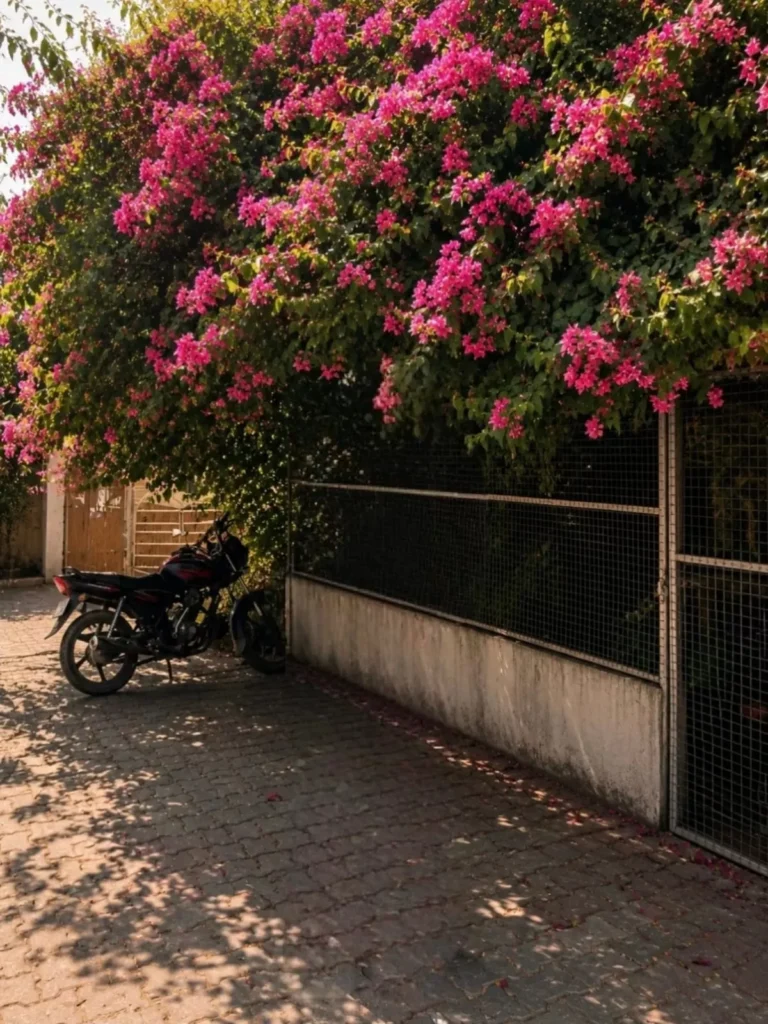
Change ONLY the background. Keep the subject 100% unchanged same face, hairstyle, skin tone, pose, body proportions, clothing, angle, framing, fighting, and expression. Place a large natural lush tree with a thick trunk and abundant green leaves, with the subject sitting under the tree. Add a peaceful lake or river behind the tree, with a small portion of natural sky visible. Create a highly realistic outdoor environment with rich foliage and natural depth. Apply strong yet natural 85mm DSLR lens background blur (bokeh), keeping the subject perfectly sharp while the tree, leaves, lake, and distant scenery blend into a smooth cinematic blur. Ultra-realistic photography, natural colors, realistic lighting and shadows, professional DSLR quality. Do not add, remove, or modify anything on the subject.Background replacement only.
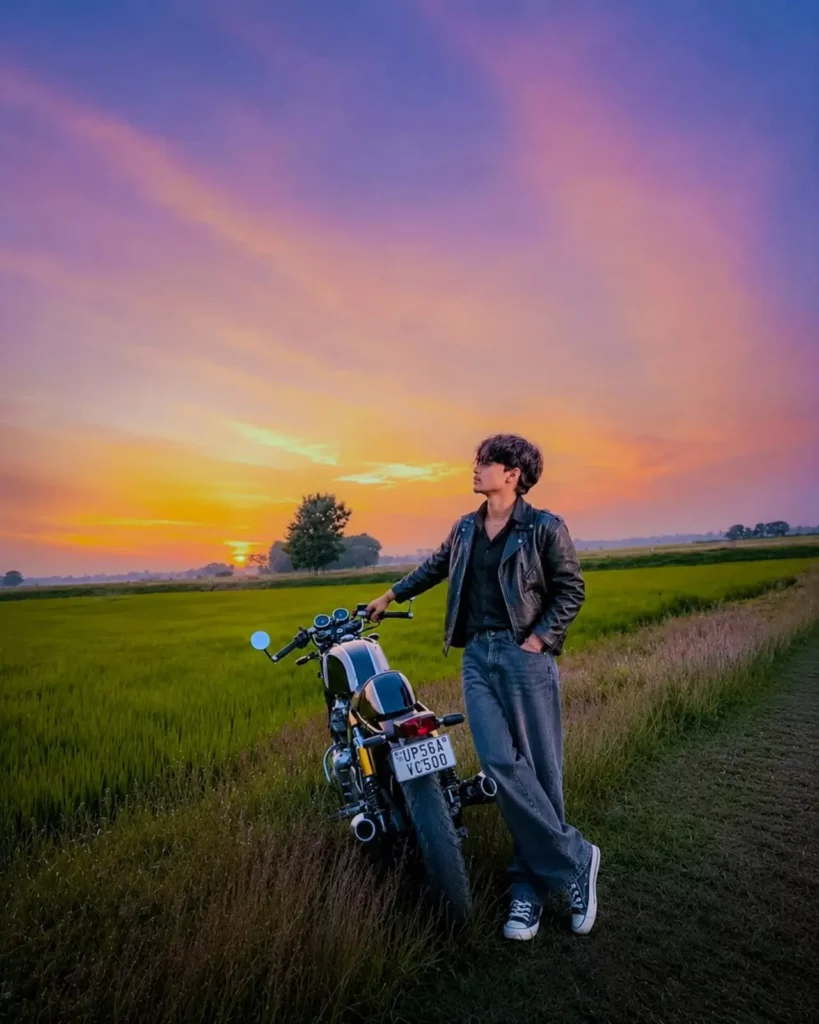
Same face Same outfit 101% don't change:

ultrawide. Upper-angle low-angle shot Young man Don't change the background of this bike at all; keep the same background.

Add this boy according to the bike.

Have this boy stand next to these bikes in an aesthetic, stylish pose-the pose needs to look realistic.

Make this boy's hand pose a bit more stylish and attractive. The pose should look realistic.

Position this boy next to the bike in a stylish pose so that he looks attractive and realistic.

Increase quality.

Instagrammable 4:5 ratio.
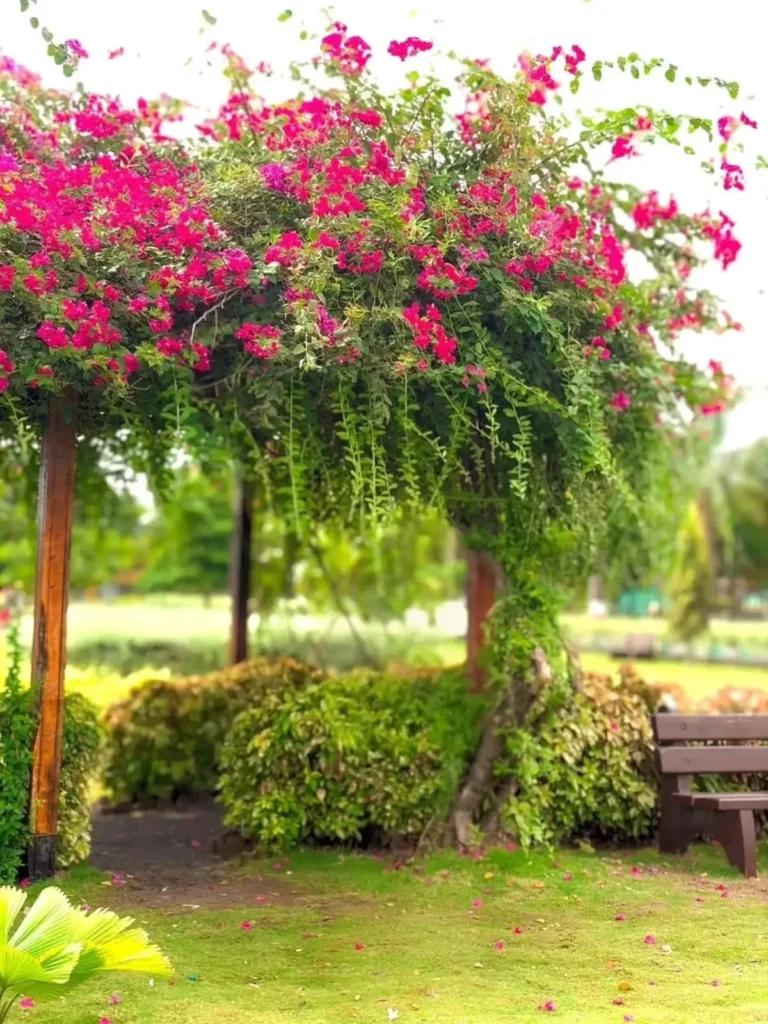
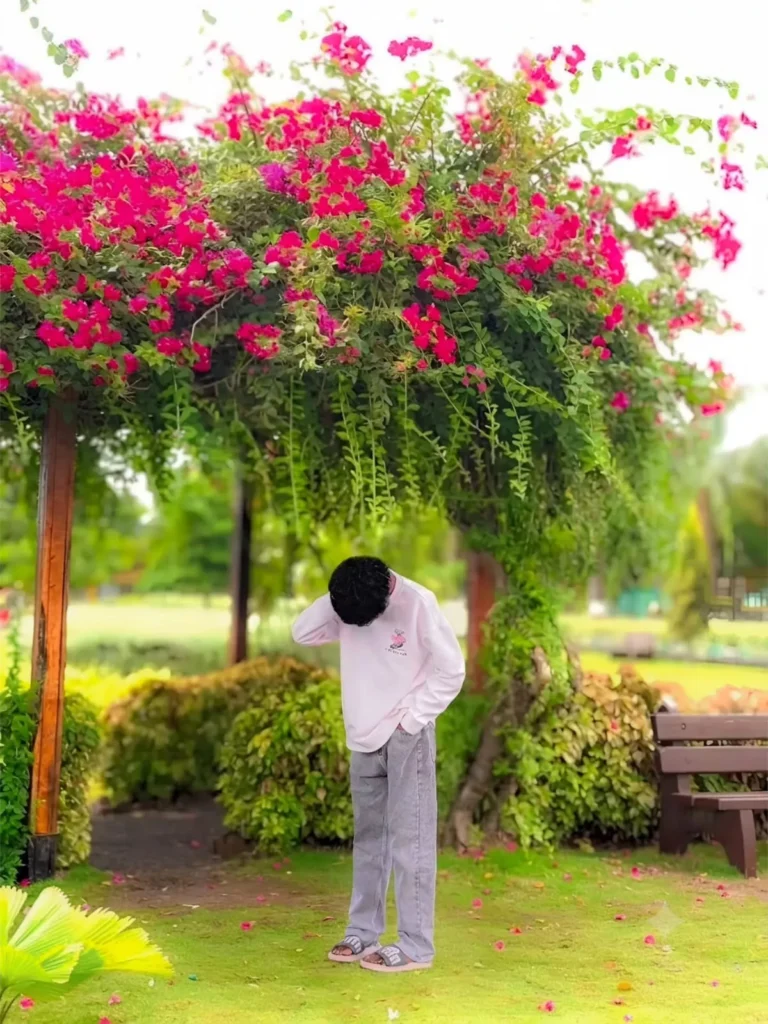
A high-quality, cinematic portrait of a person standing under a lush, vibrant archway overflowing with bright pink bougainvillea flowers. The person is wearing a light-colored long-sleeve sweatshirt and grey jeans, positioned with their head bowed, creating a contemplative or shy mood. The background features a soft-focus park setting with green grass and a wooden bench. The lighting is natural and soft, emphasizing the vibrant colors of the flowers and the serene atmosphere.Background replacement only
How To Use Aesthetic Look Ai Photo Editing Prompt
To create the image, first copy the prompt provided in this article. Since a background is required, make sure to save the background image associated with the prompt you are copying. Next, open the ChatGpt app (available on the Play Store), launch it, and paste the prompt. Then, use the plus icon to add both your reference image and the background image you saved earlier. Finally, send the request and wait a few moments; ChatGpt will generate an image with an aesthetic look, seamlessly integrating your reference image onto the selected background.
Conclusion
Friends, I hope you enjoy this viral, aesthetic-style photo editing and find it easy to place your own image against an aesthetic background. If you want to create similar unique and trending photos using AI, I will be sharing plenty of prompts on this website—so just keep visiting and checking back. And if you liked this article, please be sure to share it.