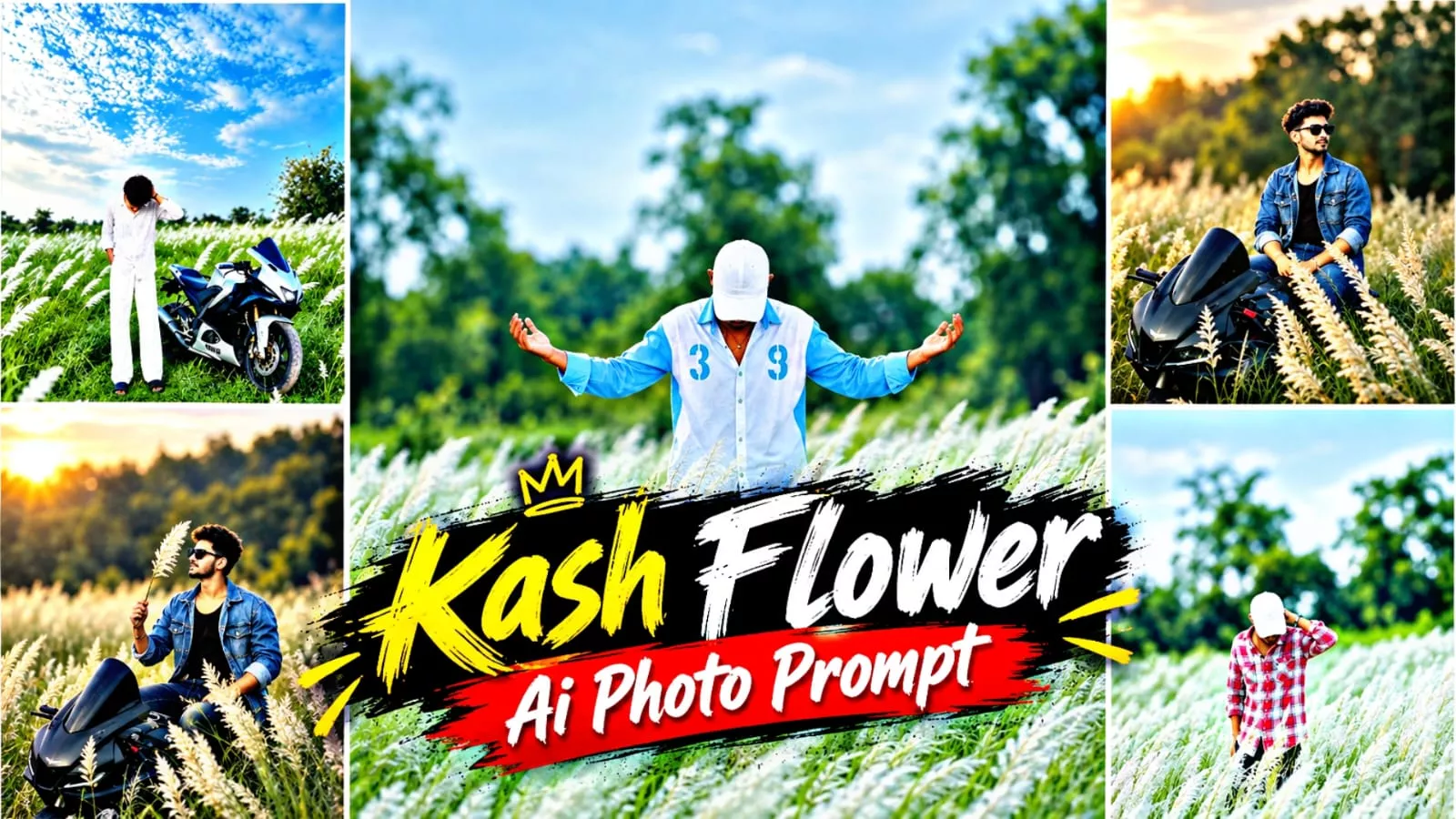
Kash Flower AI Photo Editing Prompt – Hello friends, welcome to today’s article. In this article, I’m going to show you how to create a viral and trending Kash Flower AI photo editing using AI tools. You may have already seen this type of photo going viral on Instagram, where a simple static pose is combined with cinematic color grading and a natural Kash Flower field background. If you also want to create this type of realistic and aesthetic AI photo, then this article will help you. Here, I’ll explain the complete process along with different image prompts, so you can easily create your own natural-looking and viral AI images.
Details Of Kash Flower AI Photo Editing Prompt
Friends, let’s talk about what you can expect from this photo editing style and what makes it look so attractive. The main focus of this edit is an aesthetic and cinematic look, where your photo is placed naturally in a beautiful Kash Flower field. Many people are using stylish full-body poses for this type of editing. Some users simply take their existing full-body photo and replace the background with a natural Kash Flower field, while others create a suitable pose using their reference image. Both methods can give a similar result when the AI maintains the original identity and overall appearance.
If you already have a good static pose, you can directly use it with a natural and cinematic Kash Flower background. If you don’t have a suitable pose, you can also use a reference photo to create the desired composition. In this article, I’ve included different prompts that can help you create various Kash Flower field scenes. You can create an image where you are standing in a large grassy field, posing naturally, or using a more stylish cinematic composition. You can choose whichever style you like and create a similar image using the provided method.
How To Create This Kash Flower Image?
Friends, the process of creating this type of Kash Flower AI photo is quite simple. You can use AI image-generation tools such as ChatGPT or Google Gemini to create the image. For this method, I’ll explain the process using ChatGPT. First, copy any suitable image prompt provided in the article. After that, open ChatGPT from the Create Image option or directly open the ChatGPT application. Once ChatGPT is open, paste the prompt into the chat. Then click the plus (+) icon and upload your reference image, selfie, or full-body photo with the pose you want to use. After uploading your photo, send the prompt and wait for the image to be generated. ChatGPT will process your reference image and create an aesthetic Kash Flower field photo based on the prompt. Once the image is ready, you can save it to your device. The entire process is simple, and you can try different prompts and reference photos to get the style you like.
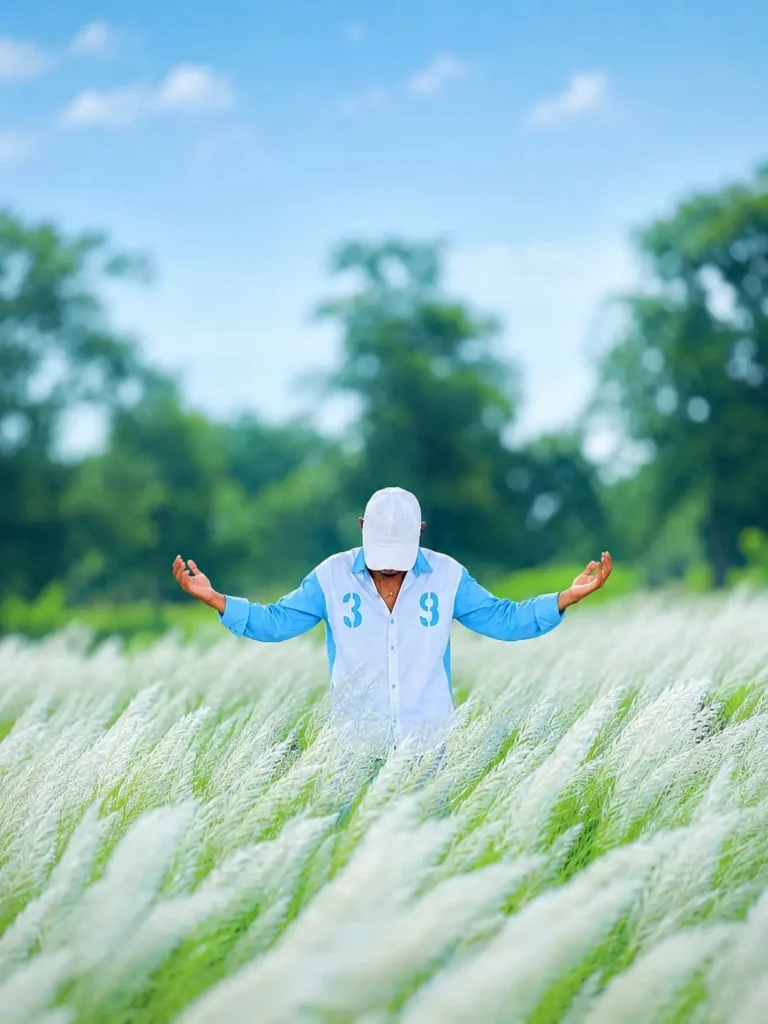
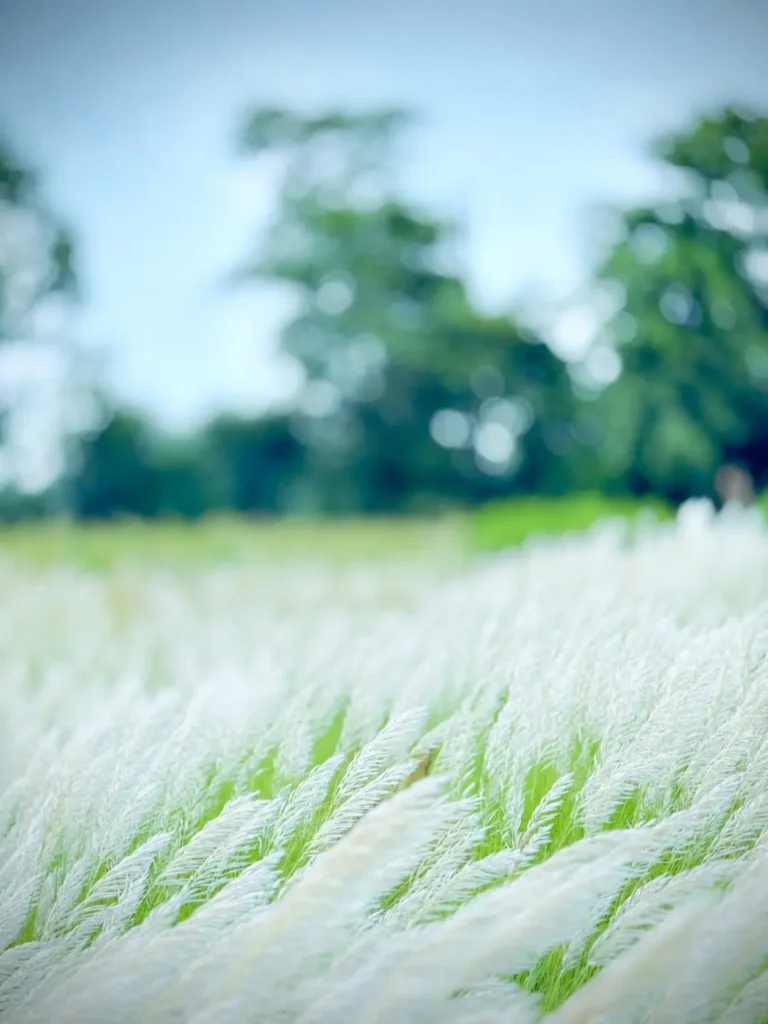
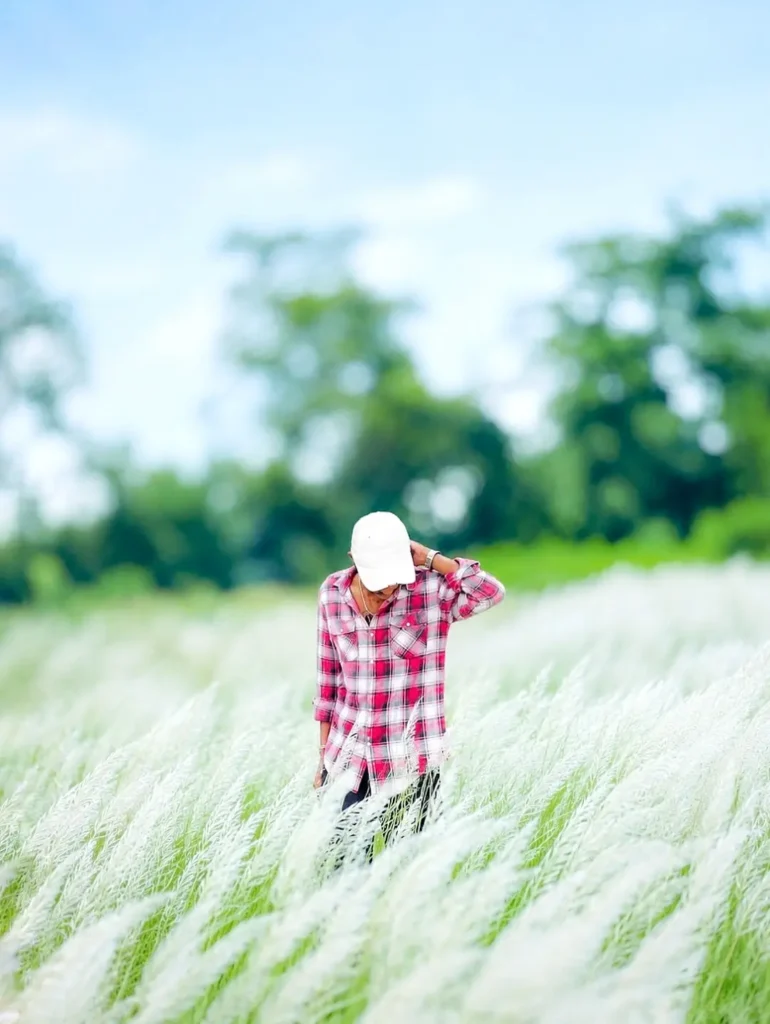
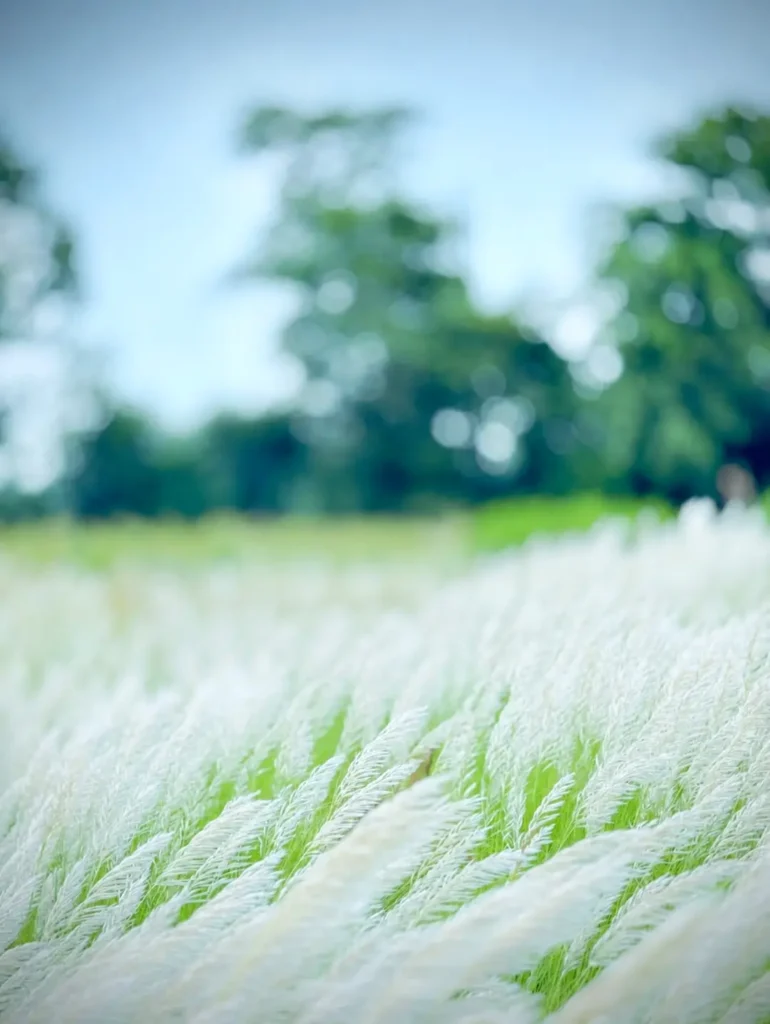
Add the background from the second photo tothe first photo.Keep the person exactly the same as in the original photo same face, facial features, hairstyle, expression, body proportions, pose, outfit, and accessories, Do not alter, beautity, reshape, or retouch the face or body.Make the person fit naturally into the second photo's background with the exact same pose and position. Match the lighting, shadows, perspective, skin tone, colors, depth of field, and overall image quality perfectly, The final result must look completely photorealisticand seamless, as if the photo was originallytaken in that location. Preserve all naturaldetails and make it high-quality DSLR-stylephotography.
A photorealistic, high-quality portrait of a young man sitting on a sleek black sports motorcycle in a vast field of tall, fluffy white Kans grass. He is wearing a black tank top, an open blue denim jacket, blue jeans, and dark sunglasses. He has styled, dark wavy hair and a neat short beard. He is smiling softly, looking to the side, and holding a single stalk of the white fluffy grass up near his face. The lighting is golden hour, with warm, radiant sunlight coming from the left background, creating a beautiful lens flare and soft backlighting. The background features a soft, blurred green forest (shallow depth of field, bokeh effect). Cinematic, highly detailed, serene and adventurous atmosphere.
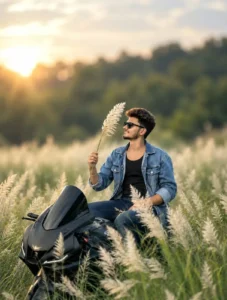
A photorealistic, high-quality portrait of a young man sitting on a sleek black sports motorcycle in a vast field of tall, fluffy white Kans grass. He is wearing a black tank top, an open blue denim jacket, blue jeans, and dark sunglasses. He has styled, dark wavy hair and a neat short beard. He is smiling softly, looking to the side, and holding a single stalk of the white fluffy grass up near his face. The lighting is golden hour, with warm, radiant sunlight coming from the left background, creating a beautiful lens flare and soft backlighting. The background features a soft, blurred green forest (shallow depth of field, bokeh effect). Cinematic, highly detailed, serene and adventurous atmosphere.
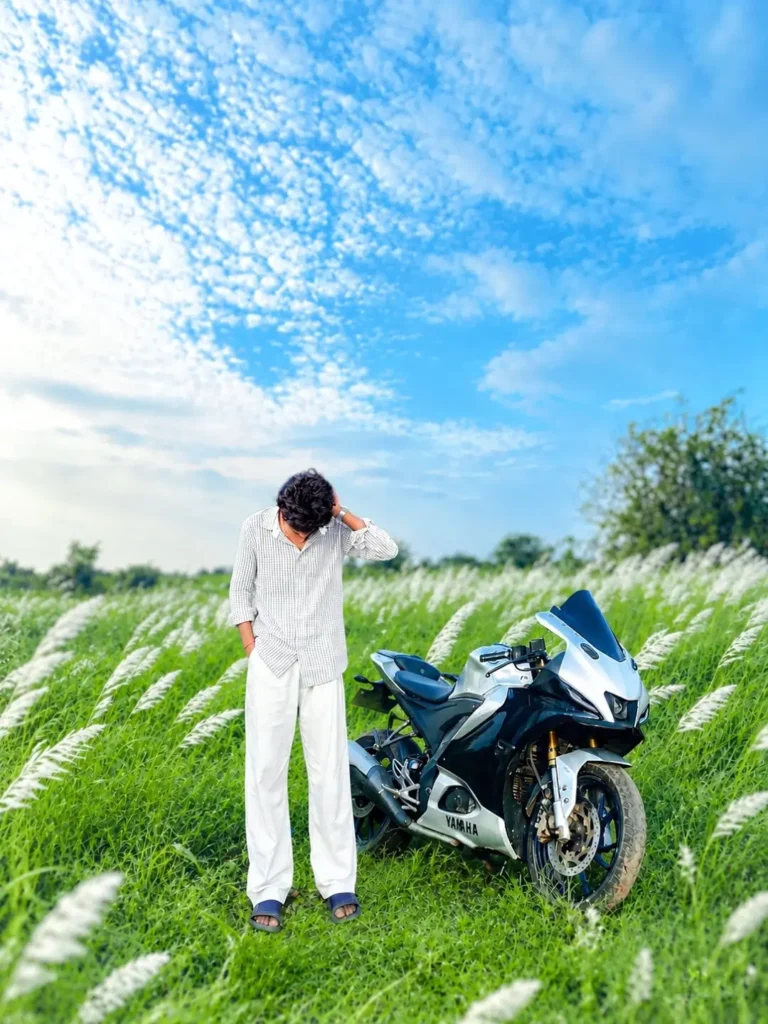
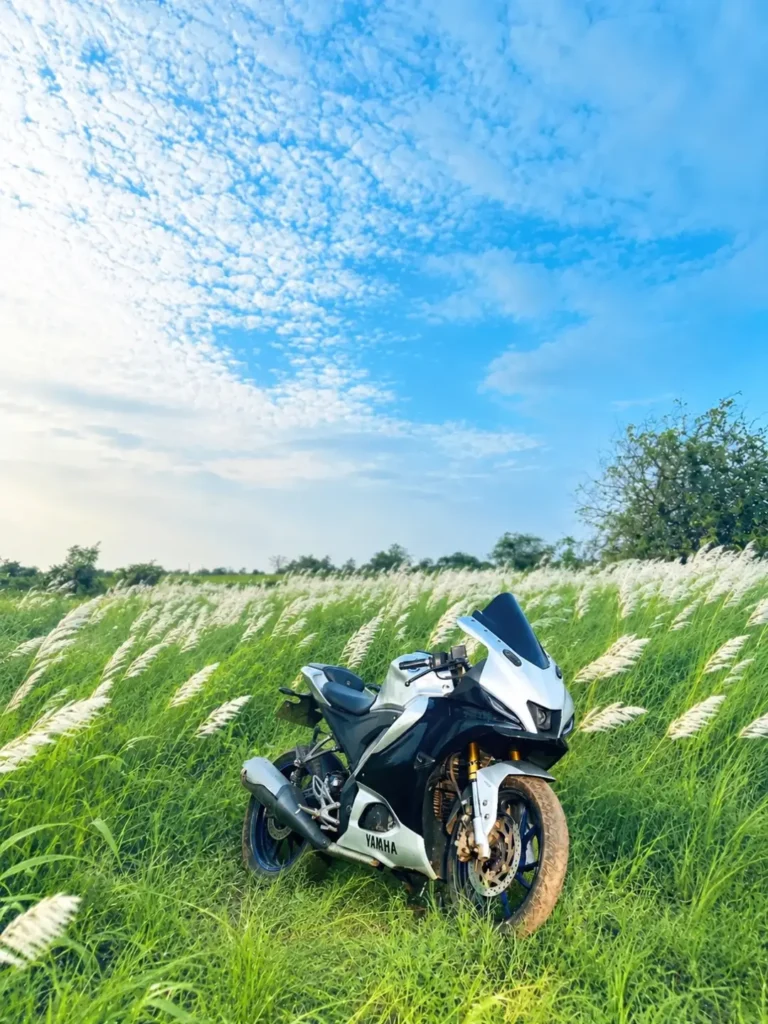
Add the background from the second photo to the first photo.Keep the person exactly the same as in the original photo same face, facial features, hairstyle, expression, body proportions, pose, outfit, and accessories. Do not alter, beautify, reshape, or retouch the face or body.Make the person fit naturally into the second photo's background with the exact same pose and position. Match the lighting, shadows, perspective, skin tone, colors, depth of field, and overall image quality perfectly. The final result must look completely photorealistic and seamless, as if the photo was originally taken in that location. Preserve all natural details and make it high-quality DSLR-style photography.
How To Create Image With Background?
Friends, there is another simple way to create this type of Kash Flower image. First, copy the image prompt from the article and upload your photo to the AI image-generation tool. Then paste the prompt along with your photo and generate the image. In this method, the AI will create the required Kash Flower background according to the prompt and blend your subject into the scene. You don’t need to prepare a separate background manually because the background details are already described in the prompt. Both methods are easy to follow, so you can use whichever one works better for your photo. If you use a clear image and a suitable pose, the final result can look much more natural and professional.
Conclusion
So friends, this is how you can easily create a viral Kash Flower AI photo using AI image-generation tools. In this article, I explained the different editing styles, how to use your reference photo, and how to create a natural Kash Flower field background using an image prompt.
You can try the different prompts provided in the article and experiment with various poses and compositions to create your own realistic AI image. The process is simple, and with a good-quality reference photo, you can create an attractive aesthetic image without complicated manual editing.
I hope you enjoyed this article and found the process helpful. If you like this Kash Flower AI photo editing trend, you can also share your creation with your friends.