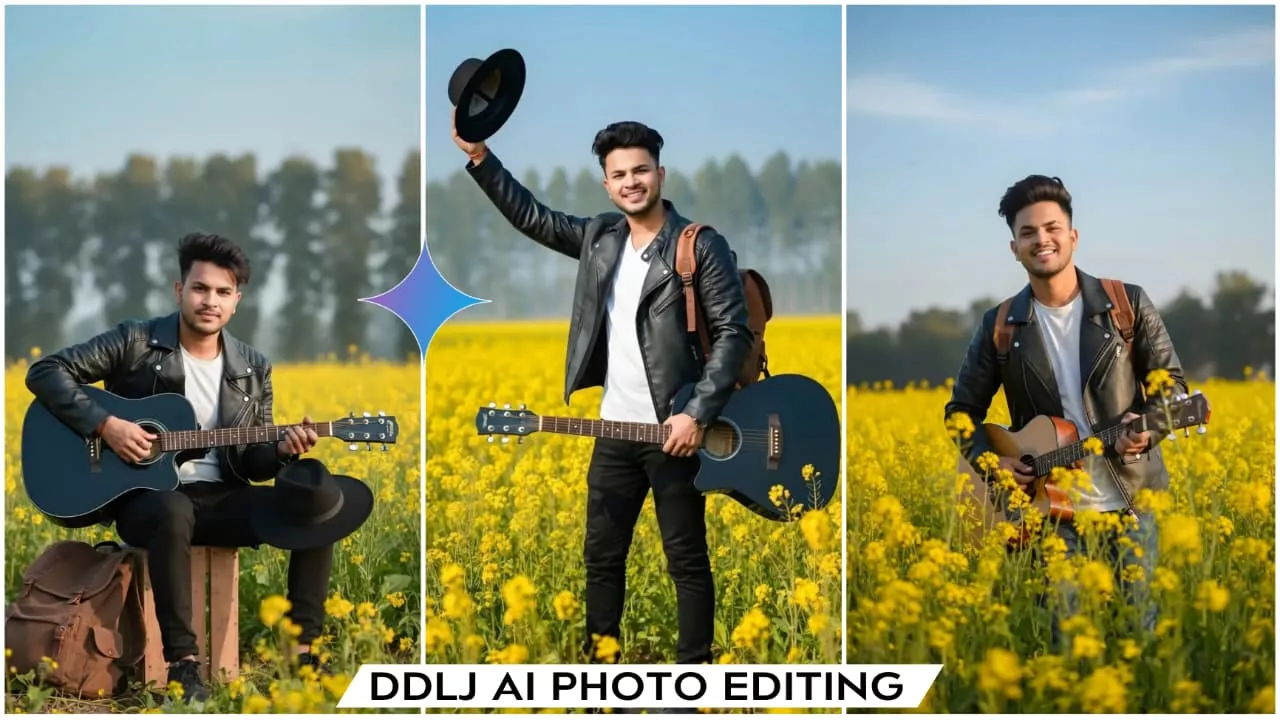
Google Gemini DDLJ Ai Photo Editing Prompts – Hello friends, how are you all? I hope you are all doing well and are healthy. So friends, in today’s article, I’m going to teach you another new trending photo editing technique, which is based on the Bollywood movie Dilwale. If you are a Shah Rukh Khan fan or if you want to create your image in Shah Rukh Khan’s style, then read this article. Here I will give you some prompts that you can use to create your own DDLJ-style movie posters, which will look completely real. The images will be created in the same style as Shah Rukh Khan’s poses and photos from the songs in that movie. So friends, let me explain everything in detail in this article. Read it to get the information and create your own images.
Details Of Google Gemini DDLJ Ai Photo Editing Prompts
Let’s talk about this particular editing technique. We’ll be applying this editing style to the movie DDLJ, which is a favorite of almost everyone, especially those who watched it during the 90s. People who grew up watching this movie really appreciate this kind of editing, and many would love to create similar images. So, if you also want to recreate that 90s movie vibe, try this editing technique. Your edited image will look like you’re standing in a mustard field with a guitar, posing in Shah Rukh Khan’s style. It will look like you had a photoshoot in a mustard field with various poses. It won’t look like it was created using editing software; it will look completely realistic.
Advantage Of Google Gemini
Friends, there are many advantages to using Google Gemini. For example, if you want to create realistic images, this is the best tool. It creates images based on the prompts you provide. And it’s very easy to use. Nowadays, many of the new trending AI images you see on social media are created using Google Gemini. You can use it for free and create many images without any cost. Let me explain the steps so you can create your own images.

Create a hyper-realistic 8K cinematic portrait of a young man standing in the middle of a bright yellow mustard flower field during daytime. He has well-groomed hair, a light beard, and a confident cheerful expression. He is wearing a black leather jacket over a white Tshirt, black pants, and carries a rugged brown backpack on his shoulder. In his right hand, he is holding a black acoustic guitar, and in his left hand, he is lifting a black hat outward as if greeting someone. The mustard flowers surround him up to his waist, glowing in sunlight. Background shows a soft blue sky and a blurred line of tall green trees. Sharp details, natural lighting, ultra-realistic skin texture, DSLR depth of field, vibrant colors, and crisp clarity.
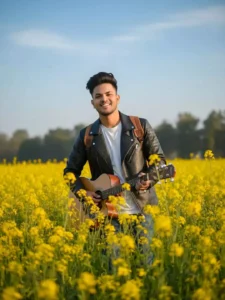
Create a hyper-realistic 8K dynamic walking-shot portrait of a young man walking forward through a bright yellow mustard field. He holds a guitar in his right hand by the neck, while his left hand swings naturally. His black leather jacket and white T-shirt move slightly with the breeze. A brown backpack hangs on one shoulder. Expression is joyful and carefree. Camera angle is slightly low, making the flowers appear tall around him. Soft sky, blurred trees, warm sunlight, cinematic tones, ultra-detailed texture. (And 100% same face the reference photo)
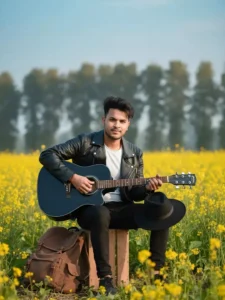
Create an ultra-realistic 8K artistic portrait of a young man sitting on a small wooden crate in the middle of a mustard flower field. He holds the black guitar across his lap and rests his black hat on his knee. Wearing a black leather jacket, white T-shirt, and brown backpack beside him on the ground. He looks straight at the camera with a relaxed smile. Background includes soft-focus tall trees and a pastel blue sky. Warm natural sunlight, high-detail skin texture, vibrant flowers, photorealistic depth of field.

Create an ultra-realistic 8K close-up 3/4 angle portrait of a young man in a mustard flower field, holding a black acoustic guitar upright in front of him with both hands. He looks slightly to the left with a gentle smile, hair naturally styled with soft sunlight hitting one side of his face. He wears a black leather jacket, white T-shirt, and brown backpack straps visible. Yellow flowers blur softly in the foreground and background. Natural warm lighting, high detail, cinematic shallow depth of field.
How To Use Google Gemini DDLJ Ai Photo Editing Prompts
Friends, to create this image, we need to go to Google and use its features. I will explain this in this paragraph. Read the steps carefully. First, you need to copy the prompt that you like. Copy it, and then click on the “Create Your Image” button. This will take you to the official Google Gemini website. Here, we will create our image. Paste the prompt, and then click on the plus icon to add an image. After adding the image, send the prompt using the send option. Then wait for a few moments. Our image will be ready. It will be created in a DDLJ style and will look very realistic.
Conclusion
So friends, by following all these steps, you can create a realistic and creative image that won’t look like it was created with AI. Your face will match perfectly, and the environment will be completely realistic. If you’re a fan of the DDLJ movie, you should definitely create this and share it. I hope you liked this article; I’ve explained all the information clearly, and I hope you understood it. Please share the article as much as possible.